Hear it and see it at the same moment
The phrase being spoken sits on a highlight and its sentence is set in black, so you always know which words you’re hearing.
Hear a text read aloud in the language you’re learning while each phrase lights up on the page. Translate a page into that language, slow it down, and practise with texts at your own level.


Free to download · iOS & Android · No sign-up
Outloud Reader reads a text aloud in the language you’re learning while each phrase lights up on the page, so you hear it and see it at the same moment. Translate a page into that language, slow it down to 0.5×, repeat a sentence up to five times, or ask for a new text at your level, from A1 to C2.
You hear each phrase and see it at the same moment, so a word you didn’t catch is right there on the page.
The phrase being spoken sits on a highlight and its sentence is set in black, so you always know which words you’re hearing.
Pick the language you’re learning, and a page in another language is translated in natural sentences before it’s read.
Any speed from 0.5× to 1.25×, and each sentence repeated up to five times, so you can hear it again before you move on.
Hide the text and listen, hold to check a line, then play it again with the highlight.
Practise with what you actually want to read: a page from a book in that language, an article, or a text written for you.
Bring a text, choose the language to hear it in, and follow along.
Photograph a page, choose pages from a PDF, paste text, or ask for a new one at your level.
Pick the language you’re learning. A page in another language is translated first; one already in it is read as printed.
Press play and follow the highlight. Slow it down, repeat a sentence, or hide the text and listen first.
Outloud Reader for iOS and Android. Your first 5 pages are free.
Free to download · iOS & Android · No sign-up
Something else? Write to support@outloudreader.app and a person will answer.
It gives you a voice to copy: listen to a sentence, repeat it up to five times, and say it along with the voice. The app reads to you; it doesn’t listen to you or score your pronunciation.
English (US and UK), Spanish, French, Italian, Portuguese, German, Dutch, Polish, Ukrainian, Russian, Turkish, Japanese, Korean and Chinese.
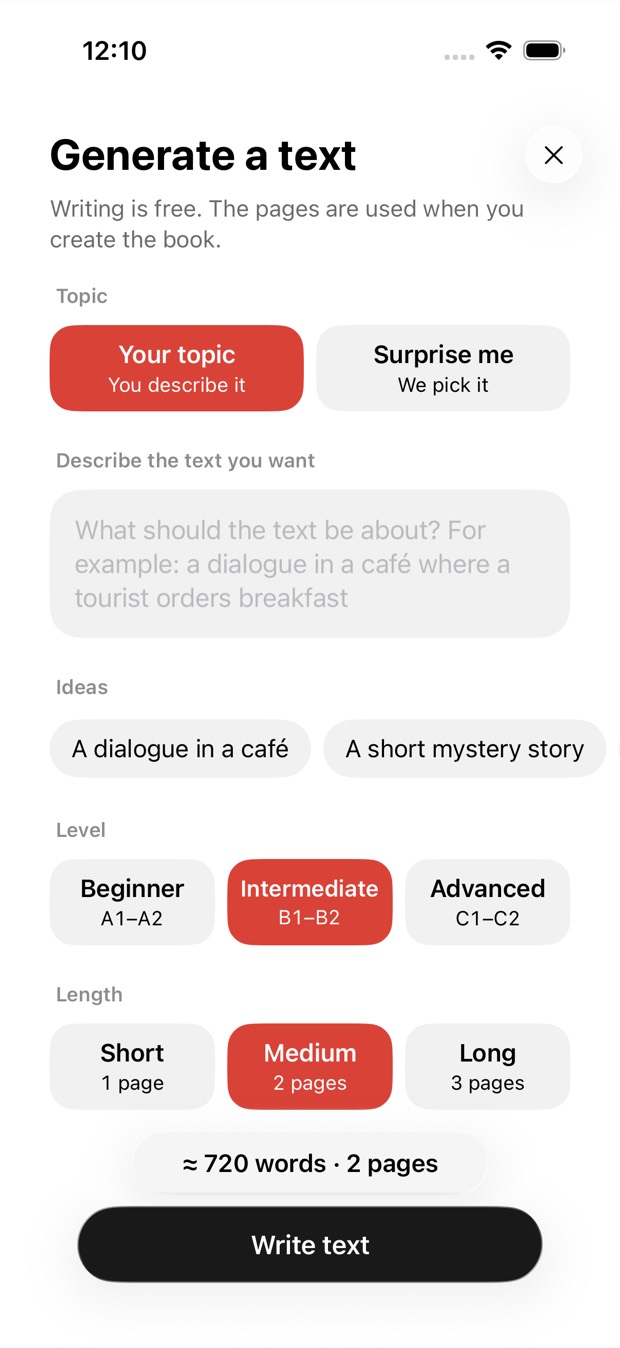
Yes. Describe a topic or tap Surprise me, choose A1–A2, B1–B2 or C1–C2 and a length of one to three pages. Or photograph a page from a graded reader you already have.
Yes. Choose that language when you make the book, and the text is translated in natural sentences before it’s read. Anything already in that language is kept as it is.