Read or translated
The words in a picture can be heard in 14 languages: as they’re written, or translated first, say from a German screenshot into English.
Already have the picture? Pick it from your gallery: a screenshot, a photo of a slide, a page someone sent you. Outloud Reader finds the words in it and reads them aloud in a natural voice, highlighting each phrase as it’s spoken.


Free to download · iOS & Android · No sign-up
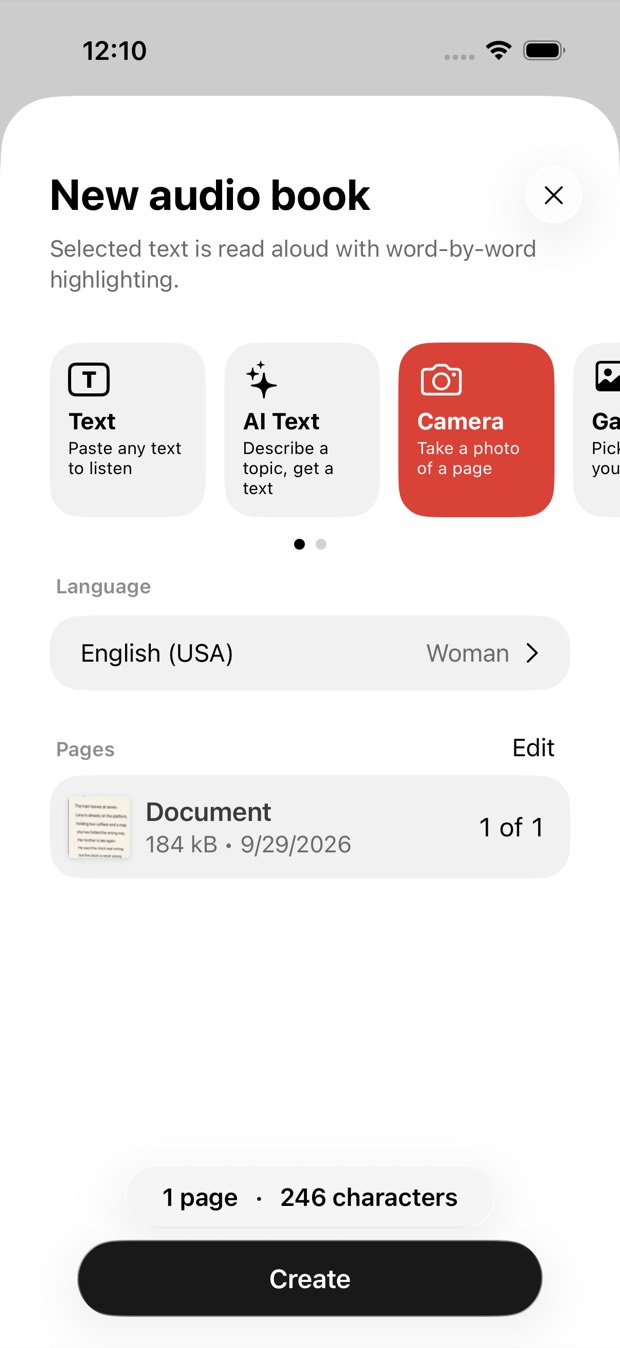
To turn a picture into speech, start a new book in Outloud Reader, choose Gallery and pick the pictures. The words in each one are recognised and read aloud in a natural voice, each phrase highlighted as it’s spoken. It reads the text in a picture; it doesn’t describe what the picture shows.
No new photo needed: the pictures you already have will do.
Start a new book and choose Gallery. Pick one picture or several: each one becomes a page of the same book, up to 50.
Choose the language the words are in to hear them as written, or your own language to have them translated first. Then choose the voice.
Tap Create. The words are recognised and voiced, the book plays with each phrase highlighted, and it stays in your library.
A picture reads well when its words are sharp and printed or typed:
Words that are tiny, blurred or drawn into the picture may not be recognised, and messy handwriting often isn’t. A picture with no words in it has nothing to read: it isn’t described.
Get the appThe words in a picture can be heard in 14 languages: as they’re written, or translated first, say from a German screenshot into English.
Pictures are read and voiced online, so adding them needs the internet. Once the book is made, it plays offline and with the screen off.
Each picture uses one page, however few words it has. Pages come in packs that never expire, or with Premium, weekly or monthly; prices are shown in the app.
Your first 2 pages are free.
Outloud Reader for iOS and Android. Your first 2 pages are free.
Free to download · iOS & Android · No sign-up
Something else? Write to support@outloudreader.app and a person will answer.
No. It reads the words in a picture aloud. A photo of a landscape or a face, with no text in it, has nothing to read.
Yes. Pick them together from your gallery: each one becomes a page of the same book, up to 50 pages a book.
English (US and UK), Spanish, French, Italian, Portuguese, German, Dutch, Polish, Ukrainian, Russian, Turkish, Japanese, Korean and Chinese — with a woman’s or a man’s voice in all of them except French, which has a woman’s voice.
Usually the page is at an angle, in its own shadow, or the phone focused on the edge of the book rather than the text. Lay the book flat, let the camera settle and keep the whole text inside the frame — or paste the text yourself.